UGREEN external-antenna dongle · Actions-based
USB 10D7:B012
After WinUSB conversion, left/right playback was confirmed on KZ AZ20 with Adaptive LL, HQ 210 and HQ 427.
User-provided product example · external shopping linkBluetooth transmitter dongle
Turn a compatible USB Bluetooth dongle into one dedicated transmitter for wireless DualSense headphone audio and rumble, plus high-quality Bluetooth audio.
US$7.99 once per dongle · the same dongle can be reconverted without a limit after successful registration. This is not a subscription.
Compatibility check and original-driver backup come before payment. Taxes, if applicable, are shown at checkout. Local source and scan evidence remain available. New binary downloads and conversion payments are paused while detection results are investigated.
Support: ghdtjrtka@gmail.com
The Standard app is free to use. Optional website dongle conversion is a separate service. Third-party components retain their licences.
Wireless DualSense controls and headset audio · Bluetooth audio codecs · Per-codec EQ & DSP
Extract the ZIP, then run Install co-Link.cmd. Optional signed DualSense USB/IP driver setup is included in the installation flow and downloads the verified upstream installer when selected. No virtual audio cable is required.
The app is free. Extract the ZIP and run Install co-Link.cmd. The optional DualSense driver is downloaded and verified during installation and requires administrator approval. Audio-only use does not need that driver.
Installation & usage · SHA-256 checksums
Source, checksums & antivirus results · Install / uninstall / local driver helper source
The app is not code-signed yet; Windows may show an unknown-publisher warning. External Adaptive encoder/helper files are not included.
Use the controller headphone jack wirelessly, keep rumble, view button and stick input, and adjust dead zones. A compatible converted dongle and the optional USB/IP driver are required. Game support varies.
Pair supported headphones, choose the codecs they advertise, and share global, EQ and DSP presets. aptX Adaptive LL/HQ uses separately obtained external files; these encoder files are not included.
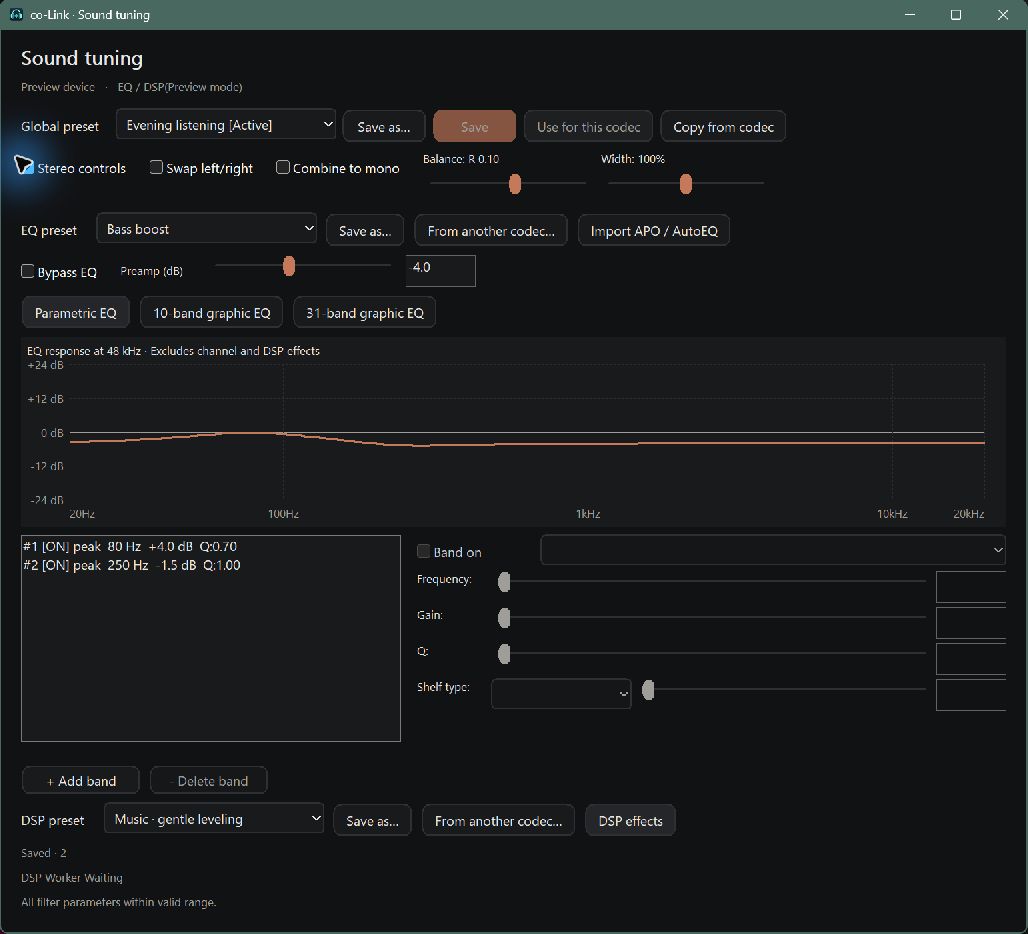
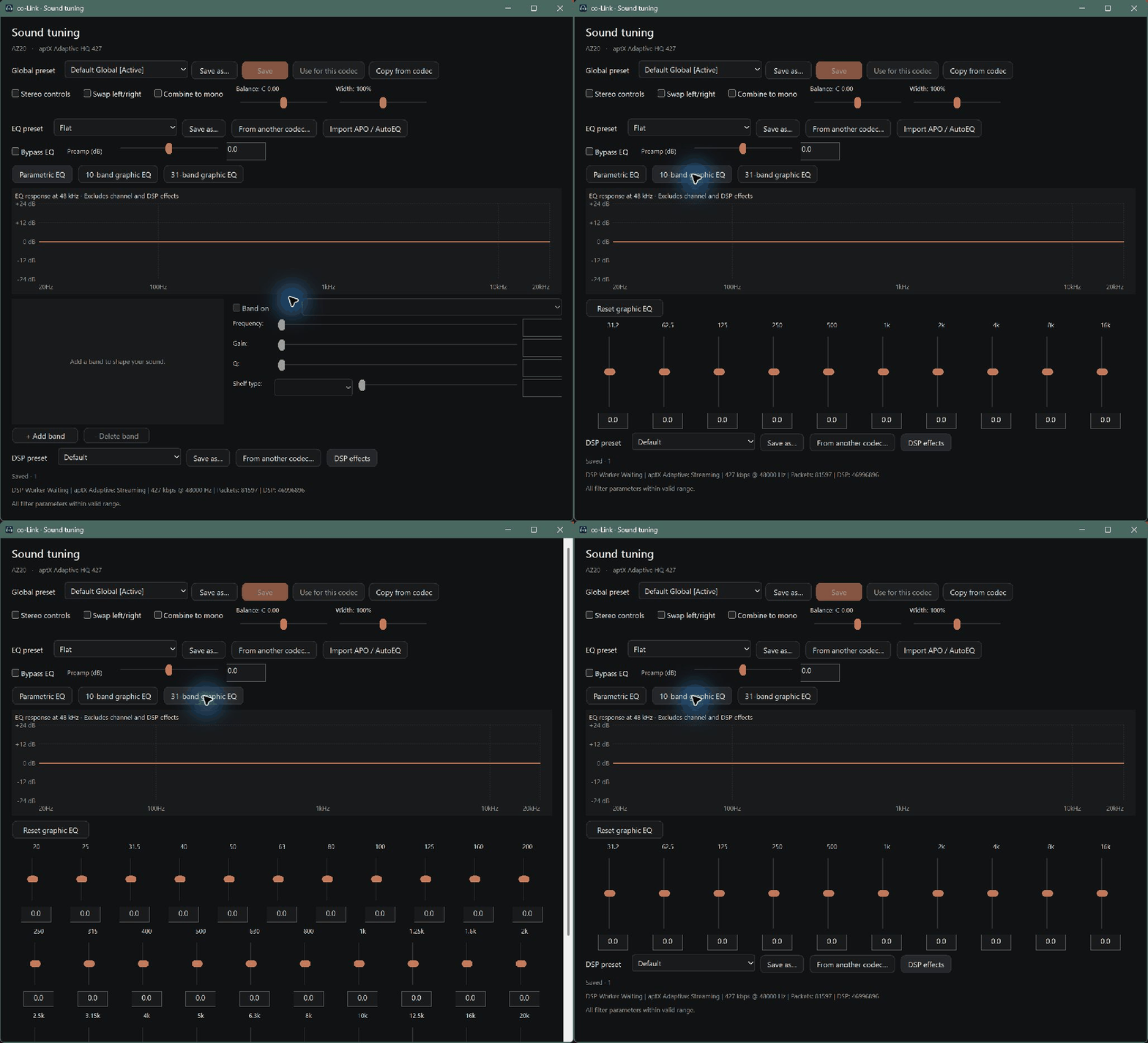
Recorded navigation between actual EQ views. Inspecting a view does not apply it to playback.
Read dongle details and current settings, then create a recovery backup.
Start the check after connecting a dongle.
Download the backup first so the original settings can be restored. Compatibility is submitted after the download starts.
Payment is tied to this inspected dongle. Payment alone does not register access or mean conversion succeeded.
Checking the price.
This dongle was registered after a successful conversion. Convert this same dongle again without another payment.
Open checkout pagePayment can proceed after the backup download.
The current PC and dongle are checked again for every conversion.
Check the server status, then continue.
USB 10D7:B012
After WinUSB conversion, left/right playback was confirmed on KZ AZ20 with Adaptive LL, HQ 210 and HQ 427.
User-provided product example · external shopping linkConversion, HCI initialization and controller connection were observed on this sample. Severe music dropouts were reported, so this sample is not recommended for music.
Device identity and standard USB HCI class were confirmed. It currently uses the Windows Bluetooth driver; this is separate from the latest external-codec WinUSB playback results above.
5.3 and 5.4 variants on one listing can use different chipsets. Compatibility checks inspect the connected device before checkout, rather than relying on a product name or Bluetooth version. These are sample-specific observations, not certification of every visually similar dongle.